Unlimited meeting notes
Every call becomes a written record, and nobody has to take notes.
- What it does for you
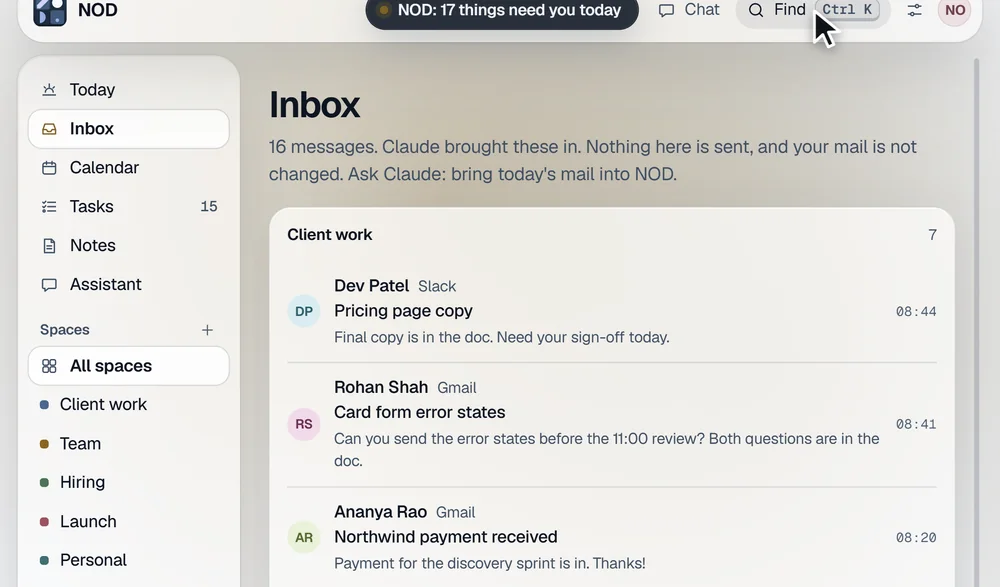
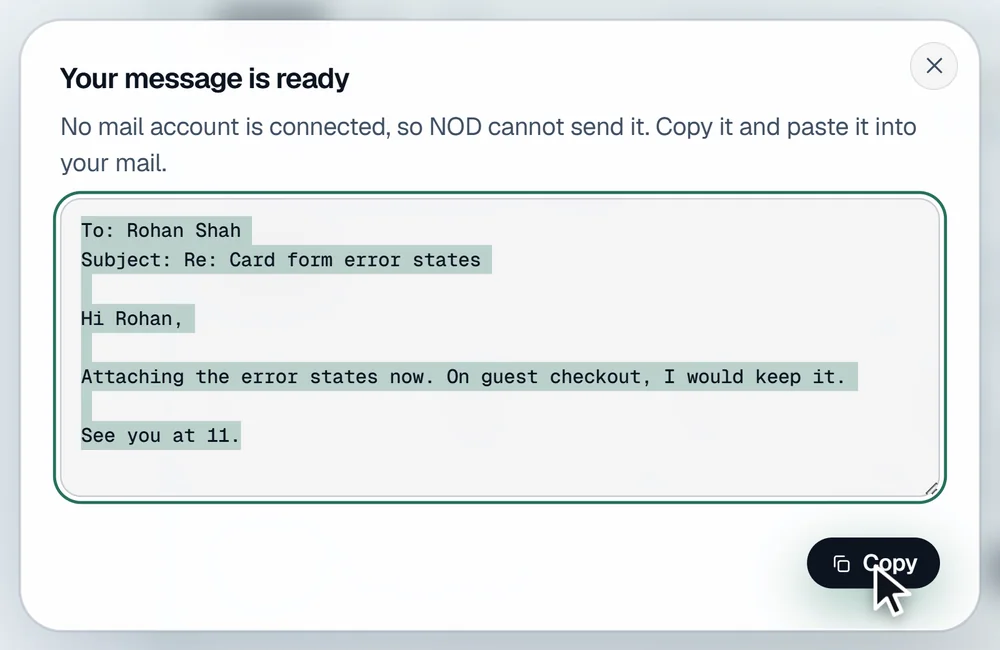
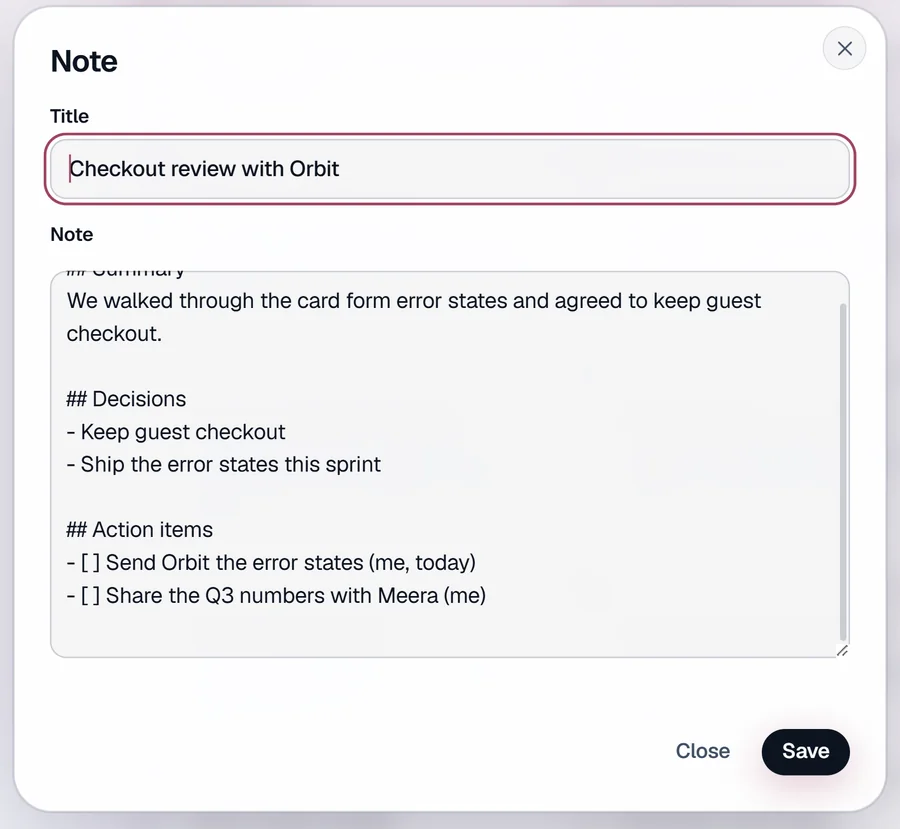
- After a call, NOD writes a summary, the decisions, your action items and a follow-up email draft. It saves them with the full transcript in a Meetings folder.
- For example
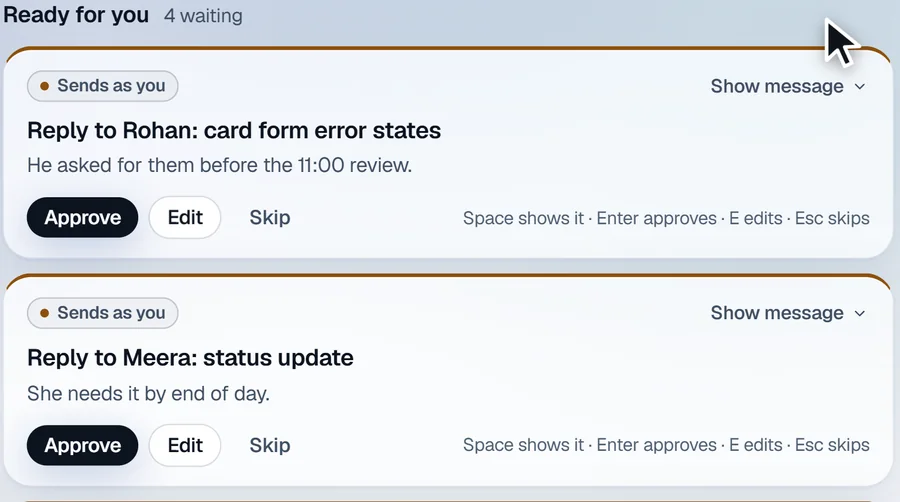
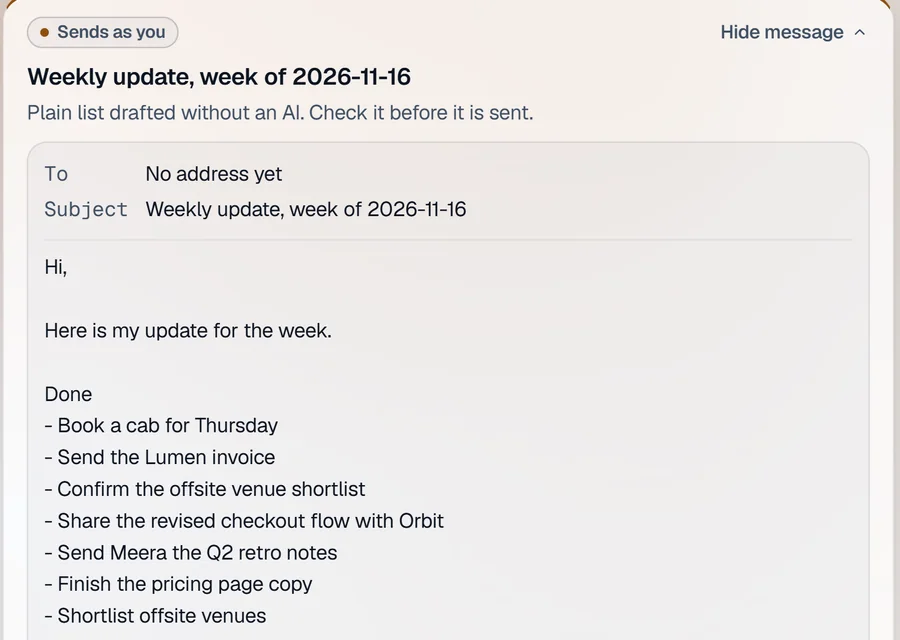
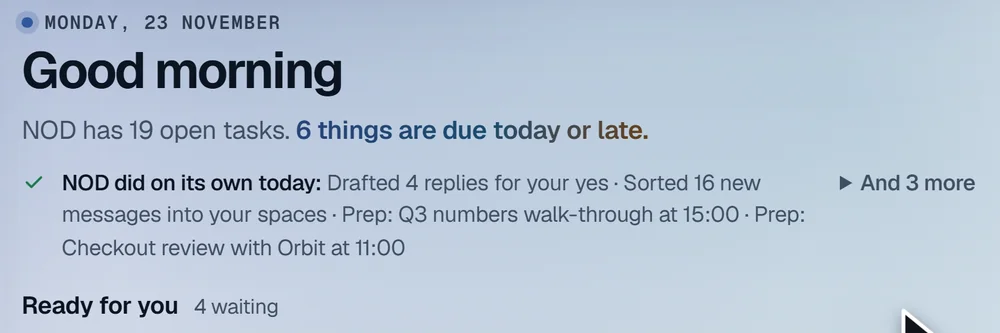
- You finish a 40-minute call with a supplier. A note is already waiting with what was agreed. Your action items are on your task list, and the follow-up email draft is waiting in Ready for you, ready for your check.
- How it works on your computer
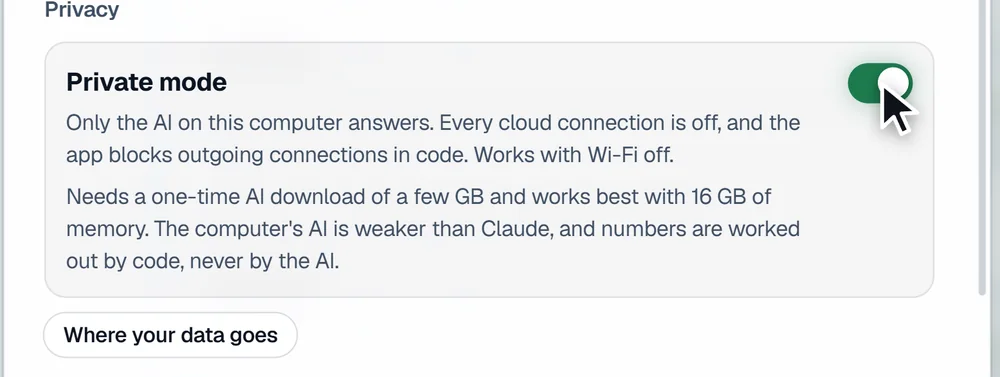
- NOD records You and Others on your computer, in Zoom, Meet, Teams or anything else. After a one-time download of the speech model, the recording is turned into text on your computer. Then the AI you chose in NOD writes the notes. With Private mode on, only the AI on your computer is used. The notes are plain files you keep.
- What Free gives instead
- 3 recordings, in total, ever. The count never resets.